





Digital Banking Update
Protecting your information is important to us. We're excited to introduce a new Online Banking login feature that adds an extra layer of identity verification to better protect your security.
Important: to maintain access to Online Banking, please update your phone number today.
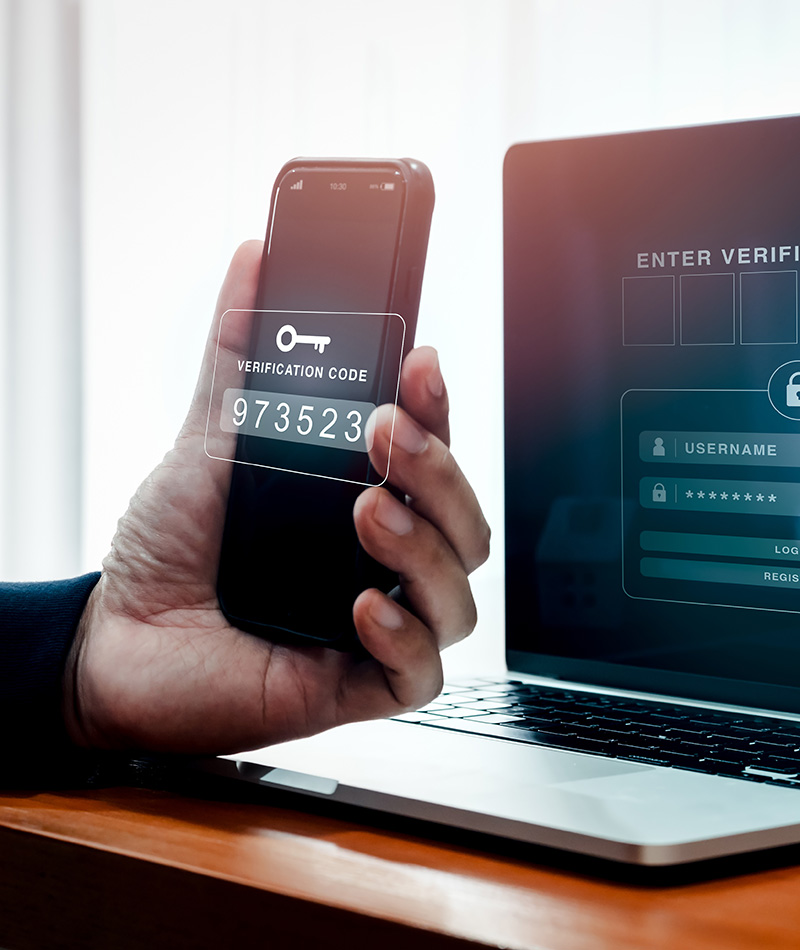
Once the update is active, when you log into your online banking through your computer or the NW Plus CU mobile app, you'll get a message on your phone with a six-digit code. You'll need to enter this code to log in.
You can choose to receive the verification code as either a text message or a voice phone call. This feature will replace security questions when logging into digital banking.
{beginNavtabs h2}
What do I need to do?
What do I need to do?
In order to maintain access to online and mobile banking, please update your home and mobile phone numbers in online banking.
Update Your Phone Number:
- Through your Online Banking profile
- In person at any NW Plus CU branch
- Call us at 425.297.1000
IMPORTANT: You will not be able to access online banking if your number is not correct and current.
How To Update in Online Banking
Updating Your Information is Simple and Quick:
- Log in to Online Banking
- Go to “Settings”
- In Settings, click “Profile”
- Click “Phone Number”
- In the Update Phone Number window, add or update your Home Phone and Mobile Phone numbers.
- Click "Save"
{endNavtabs}